











 186
186
A CRM system directly impacts the manageability of sales, operations, and customer service. When the chosen solution doesn't align with actual processes, a business quickly faces manual work, loss of transparency, and growth constraints.
In practice, companies most often choose between a ready-made CRM platform, such as Odoo, and custom development tailored to their business processes. The former allows for a faster launch thanks to a ready-made architecture, while the latter allows for more accurate consideration of processes and complex scenarios. AVADACRM works with both formats in projects for companies with various business models and scales.


Why is it important for a business to choose the right CRM?
CRM limitations often don't become apparent immediately, but rather as the business grows: the team expands, new sales channels emerge, and process management becomes more complex. Then, the extent to which the chosen system fits the company's actual operating model becomes apparent.
Key aspects of choosing a CRM:
- The role of CRM in management. CRM integrates data on clients, transactions, and tasks, ensuring coordinated teamwork and transparency of key metrics.
- The cost of making the wrong choice. A system that doesn't align with business processes leads to manual work, data duplication, and distorted analytics, which directly impacts time and costs.
- There are two approaches to automation. A ready-made system such as Odoo provides a quick start thanks to its ready-made structure. Or a custom-built CRM that is built around business logic and supports non-standard scenarios.
What is Odoo and how does it work?
Odoo is a modular platform with a shared database, where different components can be connected as needed. This allows you to integrate sales, inventory, finance, and service into a single system without manually synchronizing data.
What is important to understand about Odoo:
- Architecture and ecosystem. Modules work as a single unit, and adding new blocks does not disrupt the overall logic.
- Out of the box. Standard sales processes, contacts, tasks, and basic analytics.
- Strengths: Quick startup, unified database, and ready-made infrastructure for standard scenarios.
- Limitations. Custom funnels, complex pricing, and unique rules require customization, which increases costs and complicates support.

What is custom CRM development?
A custom CRM is a system designed for a company's specific processes, rather than a one-size-fits-all model. It can be built from scratch or based on a platform, but with an emphasis on business logic rather than pre-built modules.
What's important to understand about custom CRM:
- This differs from customizing out-of-the-box solutions. This isn't simply adding features to an existing system, but designing an architecture for specific tasks and scenarios.
- Architectural flexibility. The system is built around processes, not modules. This allows for unique workflows to be implemented without compromise.
- Focus on business processes. Custom CRM takes into account real-world rules, roles, approvals, integrations, and reporting, which don't always fit into standard models.
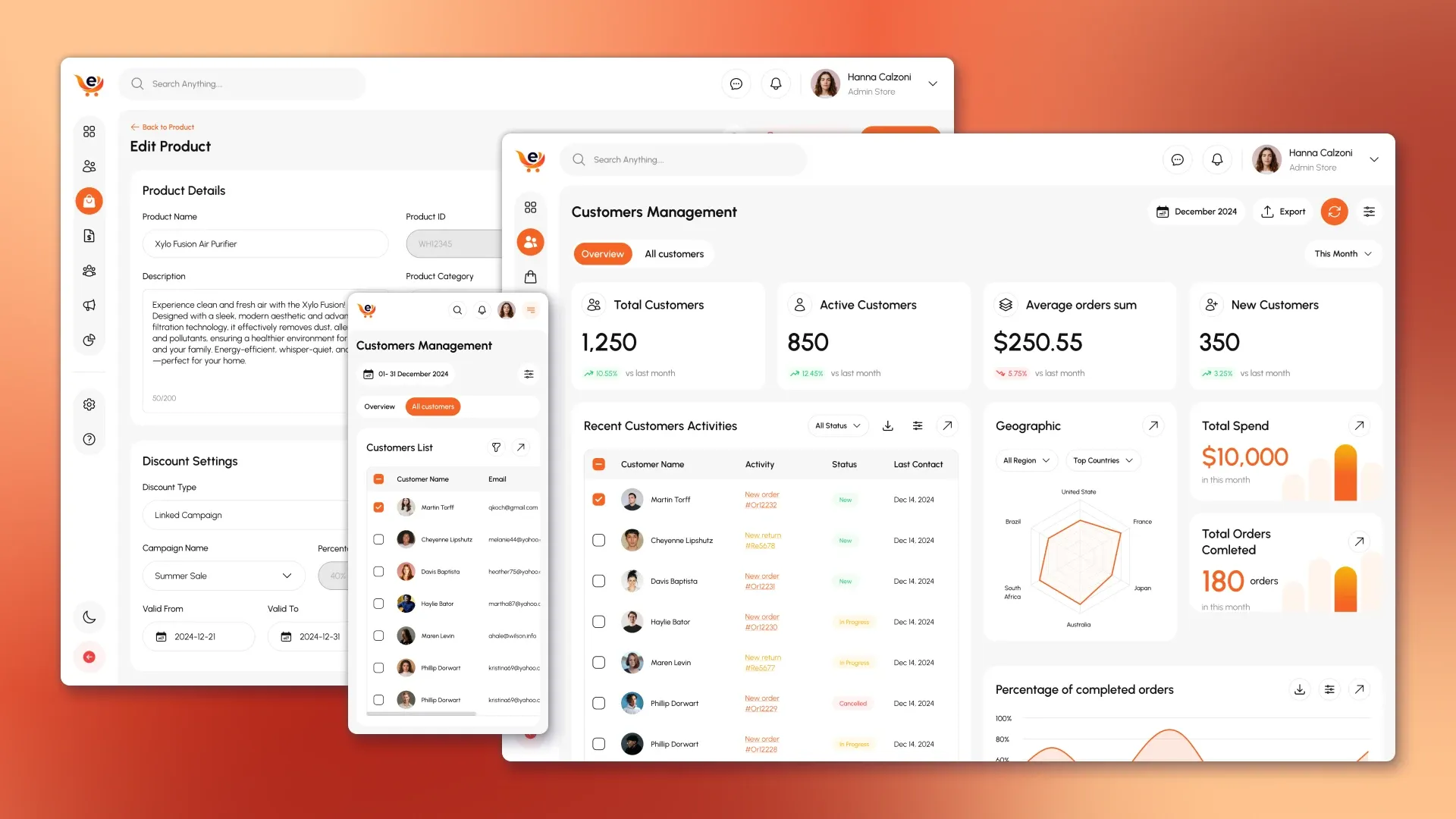
A Practical Comparison: Odoo vs. Custom CRM in a Real-World Project
In theory, both Odoo CRM and custom development solve the same problem: business automation. In practice, the difference between them becomes apparent not in the list of features, but in how the system behaves in real-world operations, when complex processes arise, workloads increase, and the need to manage the business, not just record transactions.
Our experience developing a custom CRM for the manufacturing company and working with platform-based CRMs shows that key differences manifest themselves in four areas: architecture, business logic, user experience, and cost of ownership over time.
System architecture and logic
Odoo in Practice
Odoo is built as a universal modular platform with a shared database. This provides a clear advantage right out of the box: sales, inventory, finance, and basic analytics are all integrated into a single system without complex integration. For companies with standard processes, this architecture allows for a quick start.
However, as a business grows, the architecture begins to dictate the rules. Processes must be adapted to the logic of the modules: sales stages, warehouse scenarios, financial transactions, and the connections between them operate as intended by the platform. The further a business deviates from standard scenarios, the more "workarounds" appear.
Custom CRM in Practice
In a custom CRM, the architecture is initially designed around the company's business chain. In project case, the system was built around the following relationship: clients → orders → warehouse → production → finance → personnel. This allowed us to establish the logic of the interactions between modules based on how it actually works in the company, rather than how the platform assumes.
Practical conclusion:
Odoo offers a ready-made architecture, while custom CRM offers a business-specific architecture. The difference becomes critical when processes are complex and interdependent.


Flexibility of business processes and rules
Odoo in Practice
Typical scenarios in Odoo are implemented quickly: a standard sales funnel, basic pricing, inventory control. But as soon as:
- different rules for calculating prices,
- dependence of processes on the type of client or product,
- non-standard approvals,
- Due to production limitations, every deviation from the standard requires additional refinements. These refinements complicate support and increase dependency on specific implementations.
Custom CRM in Practice
In a custom CRM, business rules become part of the system, not an add-on. In project implemented customized order scenarios, production statistics, inventory control, and finance without compromise or hacks. The system takes into account real-world exceptions, manual scenarios, and internal regulations.
Practical conclusion:
If business processes are a competitive advantage, it's easier and more reliable to build them into a custom CRM than to adapt them to the platform's limitations.

User experience and employee performance
Odoo in practice
Odoo's interface is universal. This is convenient for quick implementation, but it leads to overload: employees see more features than they need and work in an interface that doesn't always match their role. As a result:
- training time increases,
- the number of errors is growing,
- the speed of work decreases.
Custom CRM in Practice
At project , interfaces were designed for specific roles: managers, warehouse, production, finance, and management. Each user sees only the functionality they need to do their job. This reduces workload, simplifies training, and improves data discipline.
Practical conclusion:
Custom CRM almost always wins in terms of UX in operational work, especially in companies with a large number of roles and departments.


Scaling and development of the system
Odoo in Practice
Scaling seems simple at the start: you connect new modules, add users. But as you grow:
- the load on the system increases,
- the complexity of custom modifications increases,
- Platform updates may include custom changes.
Custom CRM in Practice
In a custom CRM, scalability is built in at the design stage. At FOROSTINA, the system evolved alongside the business: new modules, reports, and scenarios were added without disrupting the existing logic.
Practical conclusion:
Odoo scales within its ecosystem, while custom CRM scales within the framework of a business strategy.
Cost of ownership over time
Odoo in Practice
Initial costs are lower: a ready-made platform, quick launch. However, as the business grows, the following costs increase:
- costs for modifications,
- cost of support,
- dependence on updates and partners.
Custom CRM in Practice
Development requires large investments at the start, but with a stable architecture, the system is cheaper in the long term: changes are made selectively, without the need to "adapt" the business to the platform.
Practical conclusion:
Odoo is more profitable in the short term. A custom CRM is more strategically advantageous for a complex and growing business model.
Summary of practical comparison
In practice, choosing between Odoo and a custom CRM is not a matter of "better or worse," but a choice of approach:
- Odoo is suitable for companies with standard processes, limited budgets, and the goal of getting started quickly.
- A custom CRM is justified when the business is complex, the processes are unique, and the system needs to evolve with the company rather than limit its growth.
This is precisely why, in projects like FOROSTINA's, custom development becomes not an alternative, but a logical step in the evolution of automation.

Custom Functions: What You Can and Can't Do
Industry examples show that the differences between Odoo and a custom CRM lie not in the number of features, but in the extent to which the system can adapt to real-world business logic. For typical service scenarios, the platform's capabilities are sufficient, but in complex models — such as wholesale trade — the limitations become critical.
What's really convenient to implement in a custom CRM?
Custom development is especially justified when processes contain many rules, exceptions, and dependencies:
- Custom funnels - different sales and service scenarios for products, clients, channels or regions;
- Complex roles and accesses - rights tied to departments, volumes, deal statuses or approval stages;
- Automation for real processes - approvals, manual exceptions and business rules that cannot be correctly described by standard settings;
- Custom analytics and reports - indicators that reflect the real efficiency of processes, not universal templates;
- Complex integrations – when CRM must work in conjunction with ERP, logistics, marketplaces, and internal systems.
Why are there limitations in Odoo?
The platform approach works well as long as processes remain predictable and standard. As the logic becomes more complex, limitations arise:
- Rigid module logic - standard scenarios are difficult to adapt to industry regulations without significant modifications;
- Difficulty scaling - the growth of users and processes increases the load on the architecture;
- Increased cost of modifications - each non-standard logic requires time and support;
- Update dependency - platform updates may affect custom changes and require their revision.
Comparison Chart: Odoo vs. Custom CRM
Functional comparison
| Parameter | Odoo | Custom CRM |
|---|---|---|
| Flexibility of business logic | Good for typical processes, limited for unique rules | High: the system is built for processes |
| Scalability | Requires optimization as it grows, architecture dependent | Designed with room for growth and new scenarios |
| Integrations | Fast standard integrations, complex ones through customizations | Any integrations according to business requirements |
| User roles | Standard roles and rights, limited detail | Flexible rights by roles, regions, stages, data |
| Analytics | Standard reports, basic dashboards | Any reports under KPIs and business metrics |
| Supporting company growth | Good at the start, further improvements are made | Better for long-term development with complex logic |
Comparison of prices and timeframes by CRM implementation stages
In Practice: Odoo vs. Custom CRM
Note: These figures are approximate. Actual cost and timeframes depend on the complexity of the processes, number of users, integrations, and analytics requirements.
Cost and terms by stages
| Stage | Odoo (platform CRM) | Custom CRM |
|---|---|---|
| Analysis and pre-project research | Often a minimal or formal stage. Relies on standard processes. Duration: 1–2 weeks. Cost: $500–$1,500. | A comprehensive audit of business processes, roles, data, and integrations. Duration: 3–6 weeks. Cost: $2,000–$4,000. |
| Architecture and UX design | Basic setup of modules and roles within the platform. Duration: 1–2 weeks. Cost: $1,000–$2,000. | Designing architecture, module logic, user scenarios, and interfaces. Duration: 3–5 weeks. Cost: $3,000–$6,000. |
| Frontend development | Limited to Odoo templates, with limited customization. Duration: 2–4 weeks. Cost: $1,000–$3,000. | Full interface development for roles and processes. Duration: 6–10 weeks. Cost: $4,000–$8,000. |
| Backend development and logic | Customization and refinement of existing modules. Duration: 3–6 weeks. Cost: $2,000–$4,000. | Implementing business logic from scratch (or custom architecture). Duration: 8–14 weeks. Cost: $6,000–$12,000. |
| Integrations (1C, ERP, warehouse, services) | Ready-made connectors are available; complex scenarios require customization. Duration: 1–3 weeks. Cost: $500–$2,000. | Any integration tailored to your business needs. Duration: 3–6 weeks. Cost: $2,000–$5,000. |
| QA testing | Often limited to testing basic scenarios. Duration: 1–2 weeks. Cost: $500–$1,000. | Full-scale testing of logic, roles, and loads. Duration: 2–4 weeks. Cost: $1,500–$3,000. |
| Staff training and launch | Short training using standard scenarios. Duration: 1 week. Cost: $500–$1,000. | Training on company roles, policies, and processes. Duration: 2–3 weeks. Cost: $1,500–$3,000. |
| Technical support (year) | Depends on the number of platform improvements and updates. Cost: $2,000–5,000/year | Support and development based on the business roadmap. Cost: $3,000–8,000/year |
Summary of deadlines and budget
| Indicator | Odoo | Custom CRM |
|---|---|---|
| Minimum viable product (MVP) | 1–2 months | 4–6 months |
| Full implementation | 2–4 months | 6–9 months |
| Start-up budget | from $4,000 | from $15,000 |
| Flexibility of development | Limited by platform | High |
| Predictability with growth | Decreases over time | Higher with good architecture |
Practical conclusion for the article
- Odoo wins at the start: it's faster and cheaper if the processes are standard.
- Custom CRM requires more budget and time, but provides control, predictability, and lower cost of changes in the long term.
This comparison doesn't show "what's cheaper," but at what stage and for what the business pays —and why the cost of CRM changes over time.
Pros and Cons (Comparison Table)
| Solution | Pros | Cons |
|---|---|---|
| Odoo | Quick start, ready-made structure, unified database, standard integrations. | Limitations in non-standard logic, increased cost of complex modifications, dependence on updates. |
| Custom CRM | Precise process compliance, flexible logic, comprehensive integrations, and scalability for business. | Longer launch time, higher initial costs, requires architectural design. |
Conclusion: what to choose for a business
Odoo is most often used as a starter CRM when company processes are standard or close to standard: there's a unified sales funnel, standard roles, basic reports, and integrations. In this scenario, the platform allows for a quick system launch and data collection without lengthy development.
A custom CRM becomes more cost-effective when a business has complex or unique processes that are repetitive and critical to efficiency: non-standard funnels, complex access rules, multiple integrations, and specific analytics. In such cases, "platform customization" often proves more expensive and less predictable than initial development tailored to the company's specific needs.
In any case, the right approach is not to choose a system at random, but to start with analysis: which processes are important, what data is needed, what scenarios are repeated. This approach helps understand whether a platform or a custom solution will be faster and cheaper in the long run. AVADACRM, as a system integrator, helps at this analysis and selection stage: assessing risks, determining the optimal implementation path, and creating technical specifications tailored to the actual needs of the business.
How to approach choosing a CRM in practice
If choosing a CRM is in doubt or business processes haven't yet been formalized into a clear, logical framework, it's more useful to start with an analysis of the current operating model rather than with system selection. In practice, this reduces the risk of improper implementation and allows you to assess which features are truly necessary and which are "nice to have but not critical."
In such cases, three steps are useful:
- Consultation - discussion of current processes and expectations from CRM to understand which approach (platform or custom) will be economically viable.
- Business process audit – identifying bottlenecks, manual operations, and key scenarios that should be automated first.
- Selecting a CRM strategy involves developing an implementation plan, selecting architecture, and prioritizing the system to support, rather than limit, the company's growth.
AVADACRM's experience shows that the analysis stage determines which strategy will be more effective: a standard platform or custom development.


